fbpx Linux Essentials — from zero to the first international Linux certification in 60 days | Online Course | Certificação Linux
Certification Beginner Best Seller

For those who want to stop studying without direction and get approved on the real certification

Linux Essentials — from zero to the first international Linux certification in 60 days

For those entering IT and wanting an LPI certificate recognized in 170 countries on their resume — no prerequisites, everything in the browser 🌎 Available in Portuguese, English and Spanish, with subtitles

Studying alone isn't the problem. The problem is not knowing whether you're studying what actually shows up on the exam — until you freeze on exam day.

⭐ 4.9 (1,143 reviews) 👥 1,644 students
282 mock exam questions
32 labs in your browser
1,644+ students
🏅 LPI Chair only Brazilian

This is for you if:

  • You've already tried studying alone and got stuck without knowing why.
  • You want to move up from tier-1 support and don't know what the next step is.
  • You've memorized commands but never tested that knowledge on a real exam.
  • You want to move into infrastructure/Linux and don't know where to start.

The content on your exam is defined by someone right here — Prof. Uirá is Chair of the LPI Board, the only Brazilian to hold that seat. Studying without that direction is studying in the dark. And the time you lose doesn't come back.
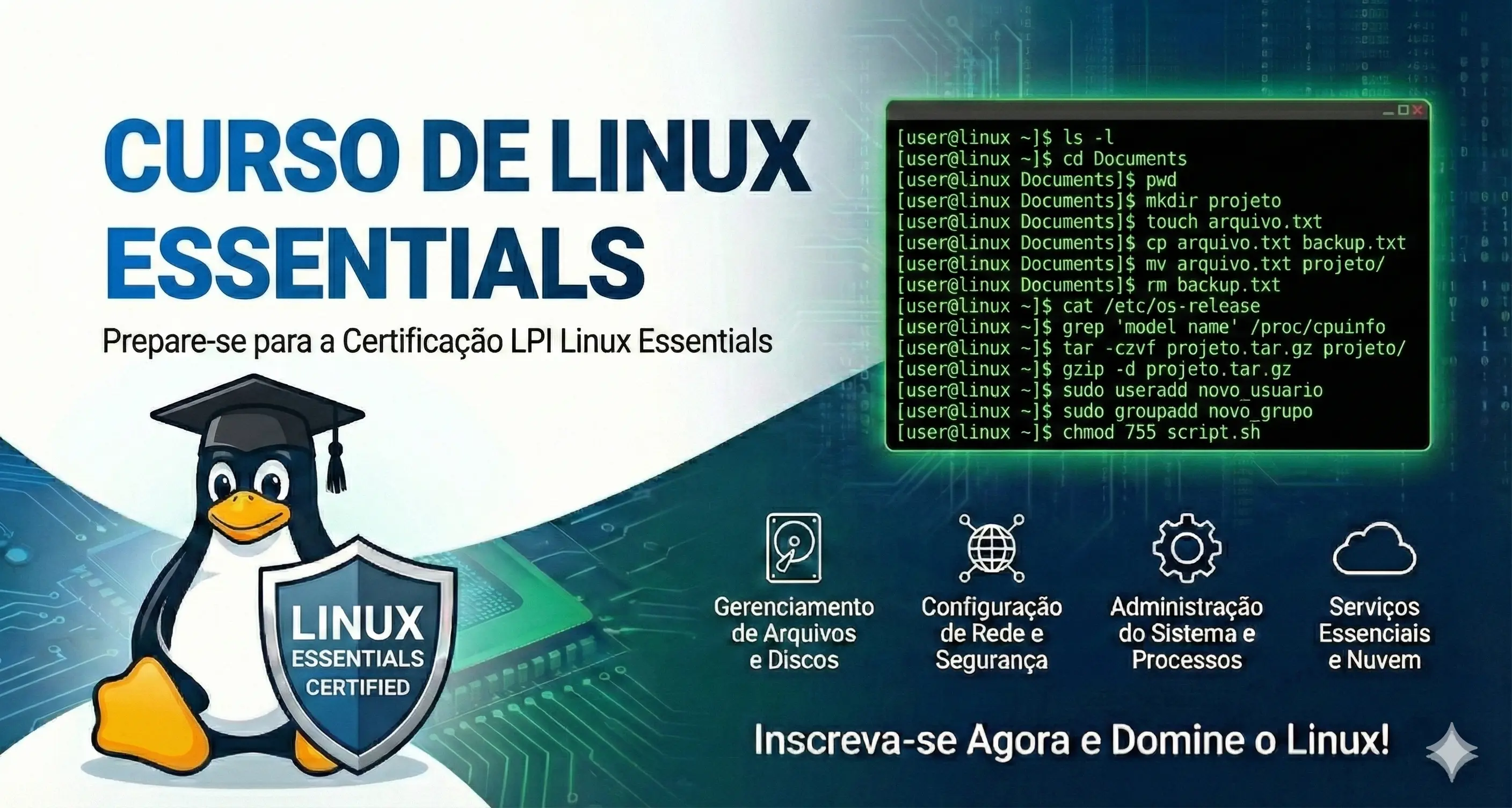

Course preview Linux Essentials — from zero to the first international Linux certification in 60 days

What you will learn

  • Introduction to Linux
  • History of free software
  • Basic terminal use
  • Essential commands
  • File management
  • Users and permissions
  • Graphical environment
  • Internet on Linux
  • Security basics
  • Certification exam preparation

Course Content

From the first command to exam day: 34 lessons built in the right order for you to learn — and pass.

34 lessons • 8h of video • 282 mock exam questions • 32 hands-on labs
🎬 Introduction: how to study for maximum performance[9m]
🎬 About the LPI Linux Essentials Exam[11m]
🎬 About the Instructor[6m]
🎬 1.1 - History of Linux[9m]
🎬 1.1 - Linux Distributions and Embedded Linux[16m]
📘 1.1 Evolution of Linux and Popular Operating Systems[12m]
🎬 1.2 - Linux Applications: Desktop and Server[6m]
🎬 1.2 - Linux for Desktop[10m]
🎬 1.2 - Package Management in Linux[6m]
🎬 1.2 - Debian Package Management[6m]
🎬 1.2 - Redhat Package Management (RPM)[10m]
📘 1.2 Main Open Source Applications[12m]
🎬 1.3 - Software Licensing in Linux and Business Models[22m]
📘 1.3 Open Source Software and Licenses[12m]
🎬 1.4 - Information and Communication Technology and Linux[20m]
🎬 1.4 - Virtualization[17m]
📘 1.4 ICT Skills and Working in Linux[12m]
🎬 2.1 - Introduction to the Shell[11m]
🎬 2.2 - How to search for help in the shell[7m]
🎬 2.3 - Navigating Linux Directories[23m]
🎬 2.4 - Creating and moving files and directories[21m]
🎬 2.1 - A bit more about the shell[28m]
🎬 2.4 - Removing files and directories[4m]
📘 2.1 Command Line Basics[12m]
📘 2.2 Using the Command Line to Get Help[12m]
📘 2.3 Using Directories and Listing Files[12m]
📘 2.4 Creating, Moving and Deleting Files[12m]
📘 Lab: 012.1 Command Line Usage[15m]
📘 Lab: 012.2 Documentation and Man Pages[11m]
📘 Lab: 012.3 Files, Directories and Paths[15m]
📘 Lab: 012.4 File and Directory Management[15m]
🎬 3.1 - Archiving and Data Compression[9m]
📘 3.1 Compressing Files at the Command Line[12m]
📘 Lab: 013.1 Files, Archives and Compression[15m]
🎬 3.2 - Searching and Extracting Data from Files[12m]
🎬 3.2 - Regular Expressions[20m]
🎬 3.2 - Pipes and Redirection[17m]
📘 3.2 Searching for and Extracting Data from Files[12m]
📘 Lab: 013.2 Redirections and Text Processing[18m]
🎬 3.3 - Creating Simple Scripts[24m]
📘 3.3 Creating Simple Scripts[12m]
📘 Lab: 013.3 Shell Scripting Basics[20m]
🎬 4.1 - Differences between Windows, MacOS and Linux[13m]
📘 4.1 Differences Between Operating Systems[12m]
🎬 4.2 - Understanding Hardware[23m]
📘 4.2 Understanding Computer Hardware[12m]
📘 Lab: 014.2 Hardware and Device Access[13m]
🎬 4.3 - Where Data is Stored[14m]
🎬 4.3 - Processes in Linux[14m]
📘 4.3 Where Data is Stored[12m]
📘 Lab: 014.3 Processes and Log Messages[16m]
🎬 4.4 - Internet Protocols Fundamentals[16m]
🎬 4.4 - Network Configurations[16m]
🎬 4.4 - DNS Name Resolution Client[3m]
📘 4.4 Your Computer on the Network[12m]
📘 Lab: 014.4 Network Configuration[15m]
🎬 5.1 and 5.2 - Security and User Management[32m]
📘 5.1 and 5.2 Security and User Management[12m]
📘 Lab: 015.1 Remote Login and Elevated Permissions[18m]
📘 Lab: 015.2 User and Group Management[16m]
🎬 5.3 - Working with Permissions[18m]
📘 5.3 Managing File Permissions and Ownership[12m]
📘 Lab: 015.3 Permissions and Ownership[15m]
🎬 5.4 - Directories and Special Files[17m]
📘 5.4 Special Directories and Files[12m]
📘 Lab: 015.4 Special Directories and Files[11m]
🧩 Practice Exam[2h]
🎓 Linux Essentials Exam Discount[5m]

Good content without someone to teach it is worthless. Meet who built this course.

Instructor

Prof. Uirá Ribeiro — instructor

Prof. Uirá Ribeiro

Board Chair — Linux Professional Institute

Linux specialist with more than 20 years of experience. Author of 5 books, mentor to +14,033 certified students and holder of 22 high-level international certifications.

"I wrote the official LPI Learning Materials used in Linux Essentials, Security Essentials, LPIC-2, DevOps Tools, and LPIC-3. Here, you learn straight from the source." — Prof. Uirá Ribeiro
5.0 Rating
14,033+ Students
23 Courses

Certifications

  • LPIC-3 300, 303 e 304
  • LPIC-2 e LPIC-1
  • AWS Solutions Architect, SysOps, Cloud Practitioner
  • Red Hat RHCE, RHCSA
  • Red Hat Specialist — Containers & Kubernetes
  • CompTIA Linux+, Security+, CySA+, Project+
  • Linux Foundation CKA e LFCS
  • DevOps Tools Engineer, Web Dev Essentials, Security Essentials
Official training platform: LPI — Linux Professional Institute Training Partner Platinum LPI Publishing Partner LPI Approved Trainer Linux Foundation — Training partner

LPI Training Partner Platinum — fewer than 20 schools in the world hold this distinction

Our students work at:
🛡️

Unconditional 7-day guarantee

You have 7 days to try the course with no risk. If for any reason — and we don't need to know which — you are not satisfied, just request a refund and we will return 100% of your money. No questions asked. No red tape. The risk is all ours.

Frequently Asked Questions

Have a question? See the answers below.

How long does access to the course last?

You get 5 years of access from the enrollment date, and you can renew at a special discount when the period ends.

Do I get a certificate when I finish?

Yes. After completing all the lessons, you receive a completion certificate equivalent to 17 hours, in the LPI standard — the same one required or valued in technical support, server administration, DevOps, and Linux infrastructure positions.

Does the course work on a phone or tablet?

Yes. The platform is fully responsive. You can watch the lessons on any device — Android phone, iPhone, tablet or computer — without installing anything.

Do the hands-on labs need special hardware?

No. All labs run right in your browser, through a Linux terminal in the cloud. You only need an internet connection and a modern browser.

Does the content cover the current LPI exam?

Yes. The curriculum is reviewed regularly to follow the official Linux Professional Institute syllabus. You study exactly what appears on the current exam.

What if I don't like it? Is there a guarantee?

You have a 7-day unconditional guarantee. If for any reason you are not 100% satisfied, just request a refund and we will return your entire investment — no questions asked, no red tape.

Do I get support during the course?

Yes. You can ask questions directly on the platform. Prof. Uirá and the teaching assistants answer technical questions in the lessons.

Is there a discount on the certification exam?

Yes. Enrolled students get 20% off LPI exam vouchers — a real saving on your total certification investment.

WhatsApp