Linux Kernel Explained: What It Is and How It Works


If you research or are in the learning process about the Linux system, you have certainly heard about the Linux Kernel, right? Understanding this concept is essential to understand other applications and resources of this open-source.
Thus, understanding what kernel is, not only in Linux, but in any operating system, as well as what its purposes and variations are, will greatly expand your knowledge base.
With that in mind, we developed this complete article with everything you need to know about the Linux Kernel and its particularities. Just continue reading. Check it out!
Want to learn everything you need to pass the LPIC 101 exam? Check out our exam prep course for LPIC 101.
What is Kernel?
Kernel, in a few words, is the core of any operating system. In a literal translation of the term, kernel means nucleus, reinforcing its importance in managing information and processes.
Without a kernel, nothing works, whether it's a computer or any other device that uses a robust operating system designed to meet users' needs.
After all, the kernel is initialized as soon as the device is turned on, performing its function of recognizing, activating, and optimizing the use of physical computer components, ensuring maximum performance.
And what is its purpose?
The purpose of the kernel, in simple terms, is to bridge the physical and logical resources of a device. It's the one who directs the use of RAM memory and graphics card when the user is trying to run games or heavier programs, for example.
The kernel is also responsible for organizing, controlling, and processing data corresponding to user requests and hardware component demands of the device.
Thus, all file hierarchies, distribution of components for memory allocation, as well as reading and "translating" data into actions, are the responsibility of this nucleus.
In summary, it plays an indispensable role in the proper functioning of any operating system and cannot be ignored. Below, you will understand in detail each essential function of the kernel.
Memory Management
All virtual addresses, allocated file sizes (whether they are images, texts, software, notepad files, essential disk fragments... ), need to be managed by the kernel.
It's the one who decides where each item will be allocated after its reading and identification. It also allows the user to change and reallocate their files as desired, and issues warnings when the system is about to become overloaded or run out of space.
Process Management
All processes, from operating system initialization to the maintenance of software and programs running simultaneously are the kernel's responsibilities.
Your mouse clicks, file execution requests, and others are handled by this nucleus, which decides which information is more relevant to be executed first by the available processor (or processors).
Device Management
Every time you insert a new device into USB or Bluetooth ports, whether it's a flash drive, mouse, keyboard, smartphone, or printer, the kernel identifies it, reads it, and executes it, most of the time in fractions of a second.
Thus, all new elements attached to the system go through the kernel's reading and approval to be ready for use, connecting the hardware (physical device) with the software and internal elements of it.
System Calls
System calls, as the name suggests, correspond to the execution of specific commands and requests with higher priority. Thus, the request is analyzed by the kernel, which approves the activities and allows the operating system to return the desired action.
In addition to understanding all the kernel's functionalities and characteristics, as well as its protagonist participation in our daily lives and interaction with machines, it's necessary to understand what types of kernels exist and what differentiates them.
Types of Kernels
The Linux kernel presents several possible variations. It can be monolithic, microkernel, or hybrid. Each one has its own particularities and characteristics.
It's important to understand the difference between kernel types and their uses in Linux, in order to complement your knowledge and "connect the dots", so that the information makes sense.
Monolithic Kernel
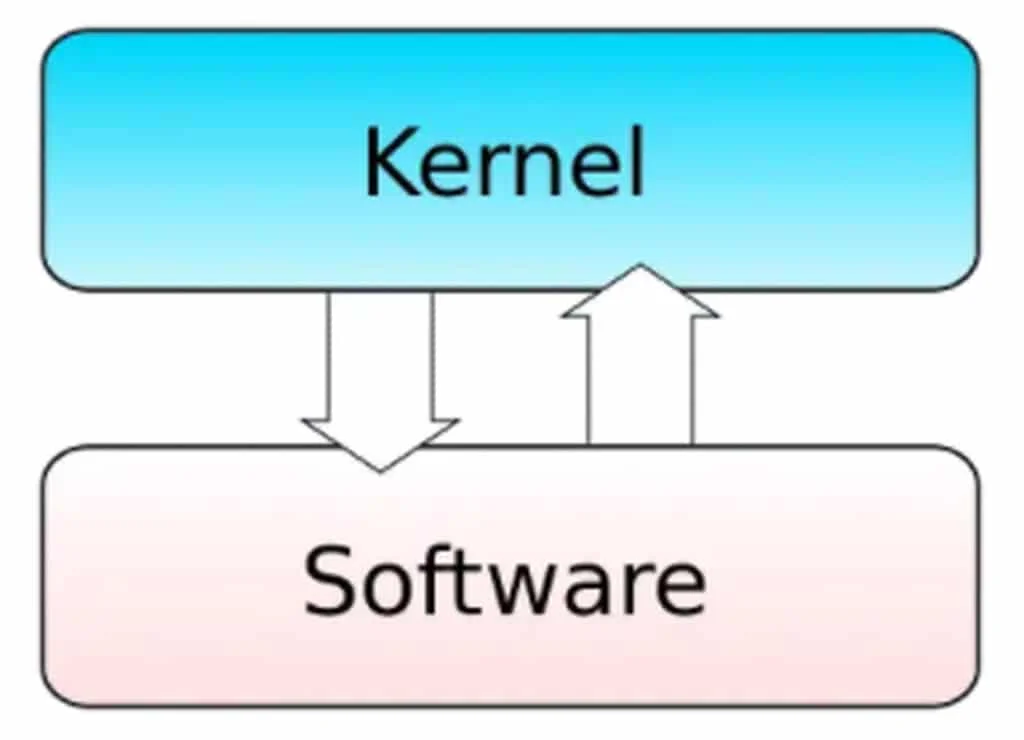
The Monolithic Kernel is structured in a single binary file, a single process that executes entirely in protected mode.
It has superior performance in message passing, but presents numerous disadvantages such as difficulty in modifying the core and waste of resources, because device drivers remain constantly in memory, even when the devices are not being used.
Monolithic Kernel implementations, for not having several scattered components, have greater immunity against viruses and other malicious programs.
Microkernels
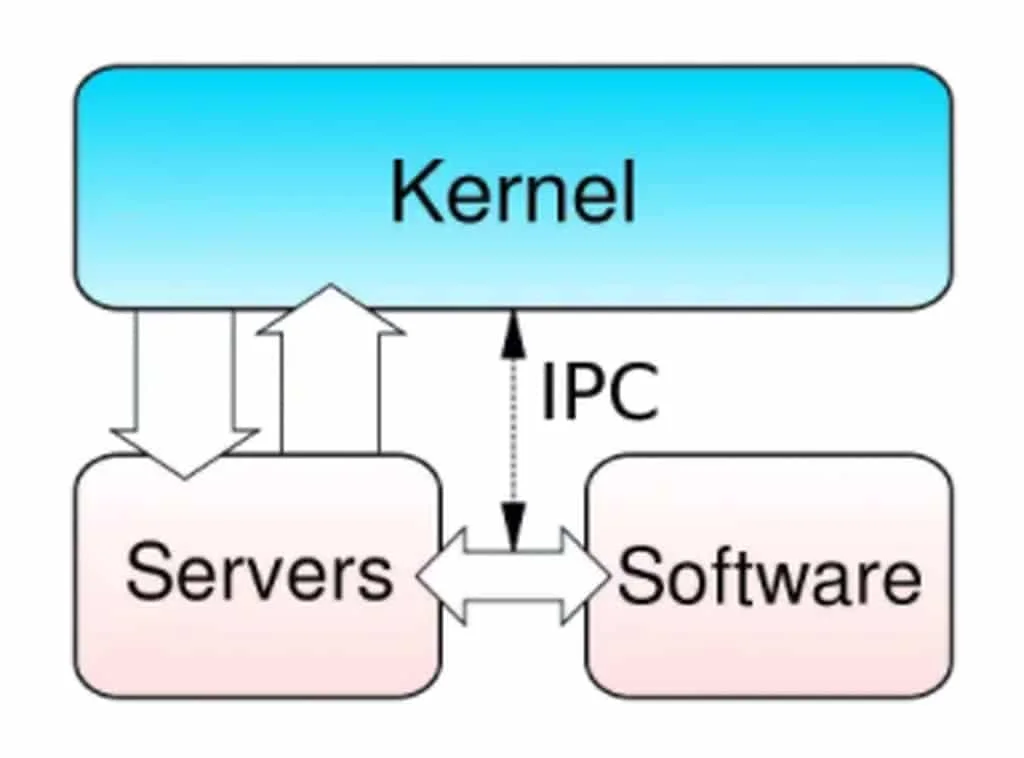
In microkernel only a small part of the core executes in protected mode to directly access hardware, as it is also responsible for communication between processes and memory management.
The rest of the system runs in user mode, since it executes tasks that don't need to directly access hardware, and its classic services are ensured by server processes.
In theory this concept makes the kernel more responsive, since more code is executed in user space and increases stability, as there is less code in kernel space.
Also, since the system has parts that are executed as small services, this type of implementation takes advantage of multiprocessing architectures. But in contrast, it requires great design effort from its developers.
System resources are accessed through a client/server protocol, and to include a new service you just need to add a new server.
The microkernel has lower performance than the monolithic model, but you can modify its parts without the need to restart the machine, allowing for easier expansion to a distributed system.
You can understand the parallel microkernel as a set of cooperative local microkernels, one on each node of the parallel machine. The crucial point is the communication between processes on the same processor or on different processors, according to a client/server protocol.
The module responsible for communication has the basic functions to receive messages from other processors, receive results of operations executed remotely, and send messages destined for other processors.
Its organization is based on the client/server model, where system services are implemented by specialized servers.
Clients, which are application programs, request services from the operating system which forwards them to server processes. These receive the request and execute it, sending the result back to the microkernel and then to the application.
Hybrid Kernels
In simple terms, the hybrid kernel combines characteristics of the monolithic kernel and the microkernel, merging "the best of both worlds" and forming a new, totally interesting architecture.
Consider, for example, the advantages and disadvantages of each of the previous models:
- disadvantages of the monolithic kernel: waste of resources, occupies unnecessary space in memory, since it executes all drivers at once, without you necessarily needing them;
- advantages of the monolithic kernel: security and low probability of malicious attacks;
- disadvantages of the microkernel: lower performance;
- advantages of the microkernel: responsiveness and less space occupied in memory.
With this in mind, the hybrid kernel, like the microkernel, avoids system overload through monoprocessing resources (or function distribution), as happens in the monolithic kernel.
A good example of a hybrid kernel is Windows NT, released in the 1990s. Understanding these points is part of learning about the Linux system architecture, which is covered in various certifications.
Everything will make even more sense when you study the history of Linux, as well as the propositions and idealizations of its creator, Linus Torvalds, called "the father of Linux". Just continue reading to understand more.
How does the Kernel system work?
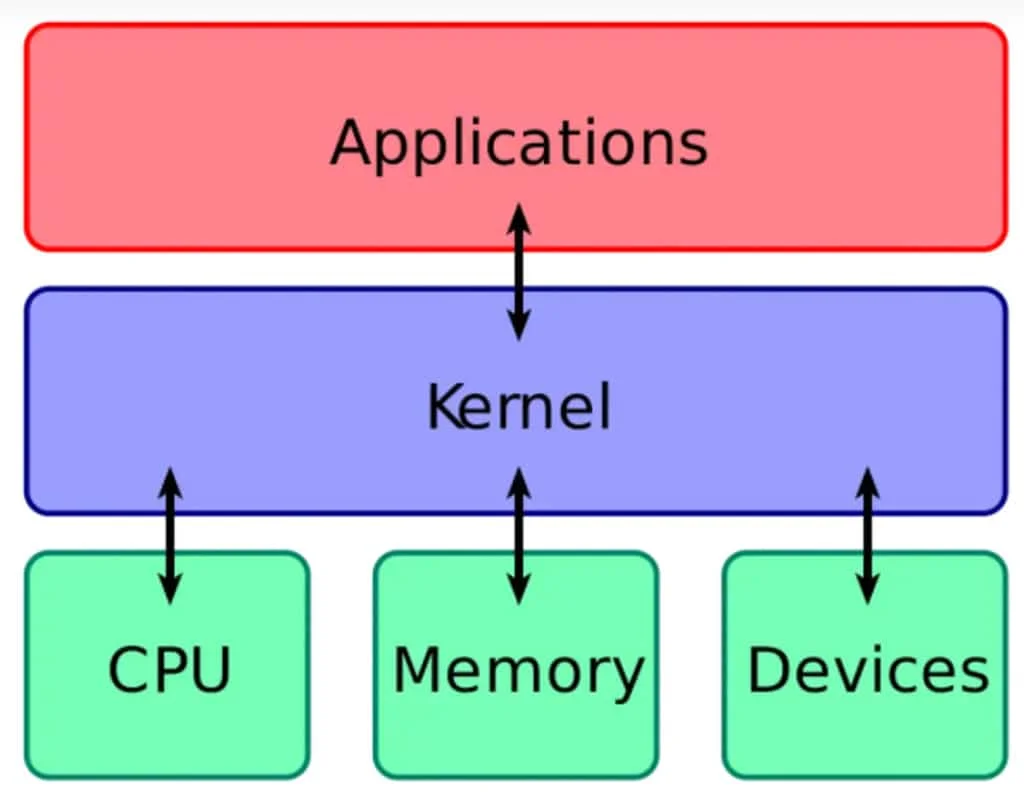
Without a doubt, the Kernel is the most important part of any operating system and is considered the core of the system.
It is responsible for low-level functions, such as memory management, process management, file subsystems, networking, support for devices and peripherals connected to the computer.
The Linux Kernel
The Linux kernel is a monolithic open-source kernel for UNIX-like operating systems.
Developed for both computing systems, whether personal computers or servers, typically in the form of Linux distributions, and embedded in various devices such as:
- routers;
- wireless access points;
- PBXs;
- television receivers;
- Smart TVs;
- DVRs;
- and network storage devices.
Android operating systems for Tablets, Smartphones, and Smartwatches use services provided by the Linux kernel to implement their functionalities.
While adoption on desktop computers is considered low, Linux-based systems practically dominate all other computing segments: from small mobile devices to robust Mainframes.
According to the ranking of the 500 most powerful supercomputers in the world, from November 2017, all of the ranking run Linux.
Linus Torvalds, the father of Linux
The Linux kernel was conceived and created in 1991 by Linus Torvalds for his personal computer, without any cross-platform intention.
But since then, it has expanded supporting a large number of computer architectures, far beyond other operating systems or kernels.
Linux quickly attracted developers and users who adopted it as the kernel for other free software projects, notably, the GNU operating system.
The Linux kernel has received contributions from approximately 12,000 programmers, from more than 1,200 companies, including some of the largest global vendors of software and hardware.
Since a kernel does not work alone, the "GNU" project helped Linus Torvalds, thus creating GNU/Linux.
Conclusion
Did you notice how, despite being intimidating, the term kernel is simple to understand? Its indispensable participation in any system makes it even more didactic and tangible, since no command or software can be executed without it.
The kernel in Linux is no different: it assumes a master role and needs to be well understood, especially by those scholars who wish to professionalize themselves and have their knowledge validated through competency exams and tests.
Now, you understand part of the Linux system architecture, and are prepared to advance in your learning process. If you are preparing for a certification, you need solid, didactic and logical information.
For that, we invite you to learn about the Linux Certification preparatory courses, developed to facilitate your approval. Our teaching methodologies approve 93% of candidates who commit to applying them.
It's worth checking out and securing your spot in one of our preparatory courses, according to the certification level you want to take!

Prof. Uirá Ribeiro
Chair do Board do Linux Professional Institute
After years of watching professionals waste hours on simple tasks because they didn't know the right Linux tools, I decided to teach.
Today I'm the author of most of LPI's official Learning Materials and mentor to over 14,000 certified students.
That was just one piece. The course teaches the whole path — from your first command to exam day.

