How to Upgrade to Ubuntu 21.10

Ubuntu 21.10 has arrived and it's already winning people over.
This Ubuntu version is a major update for desktop, server, and cloud users.
If you want to download version 21.10, use this link.
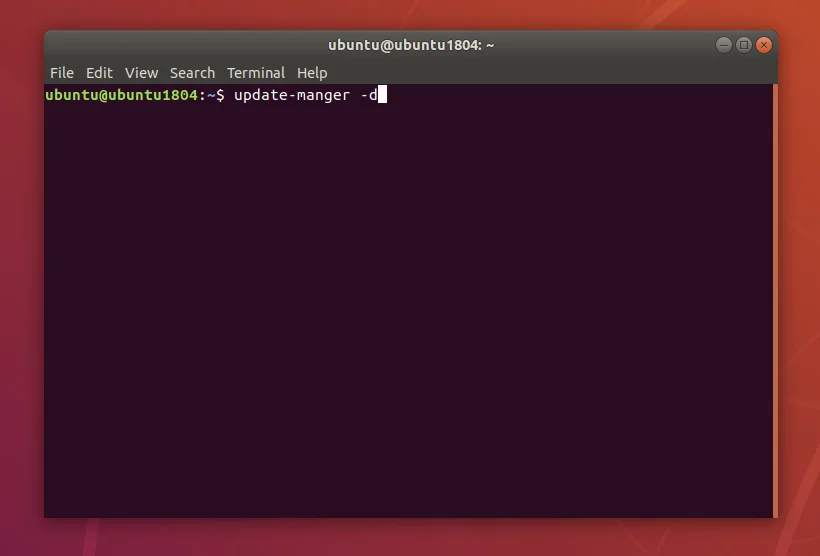
You can perform the upgrade using the "Update Manager" program in the terminal, by typing the command:
sudo apt full-upgrade
update-manager -d
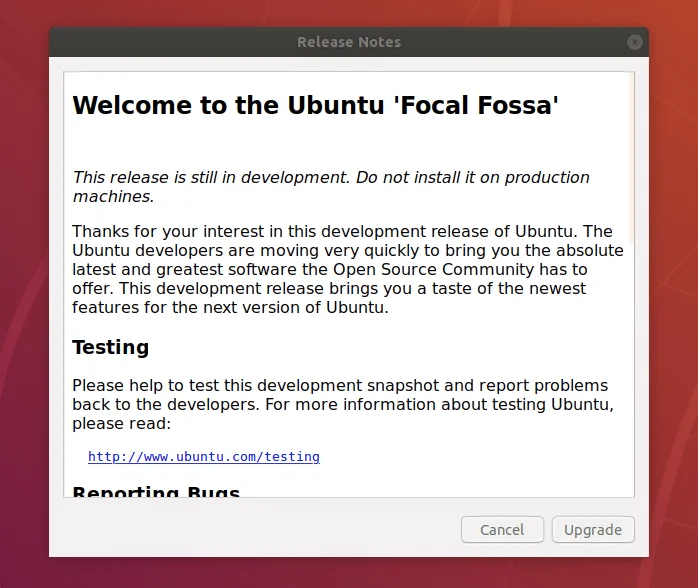
Just follow the upgrade Wizard:
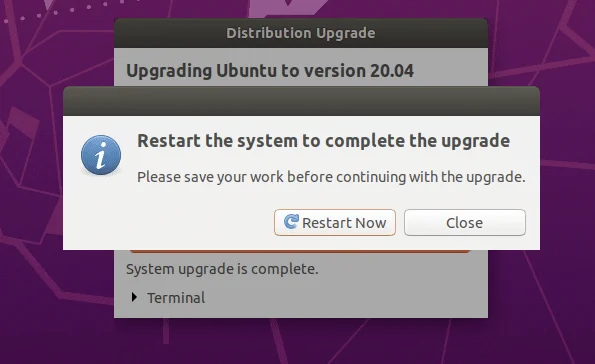
To finish, just restart the system:
You cannot upgrade to Ubuntu 21.10 directly from Ubuntu 20.04 LTS. You can configure (or mess up) your software sources to "skip" the interim releases, but if you try hard enough... you might as well do a fresh installation.
You cannot upgrade to Ubuntu 21.10 from Ubuntu 20.10 (which is now EOL). You will need to first upgrade to Ubuntu 21.04 and then upgrade from Ubuntu 21.04 to 21.10.

Prof. Uirá Ribeiro
Chair do Board do Linux Professional Institute
After years of watching professionals waste hours on simple tasks because they didn't know the right Linux tools, I decided to teach.
Today I'm the author of most of LPI's official Learning Materials and mentor to over 14,000 certified students.
That was just one piece. The course teaches the whole path — from your first command to exam day.

